
V3 FreeCurrent release · v3.1.1
New architecture, lighter by design
RecommendedDownload Microsoft Store editionNo Microsoft Store?
Dawn Launcher is a lightweight, flexible desktop launcher. Organize your favorite apps, files, and websites in one place for faster access and a cleaner desktop.
New architecture, lighter by design
RecommendedDownload Microsoft Store editionPro edition now availableBuy Dawn 3 Pro →
RecommendedDownload Microsoft Store edition
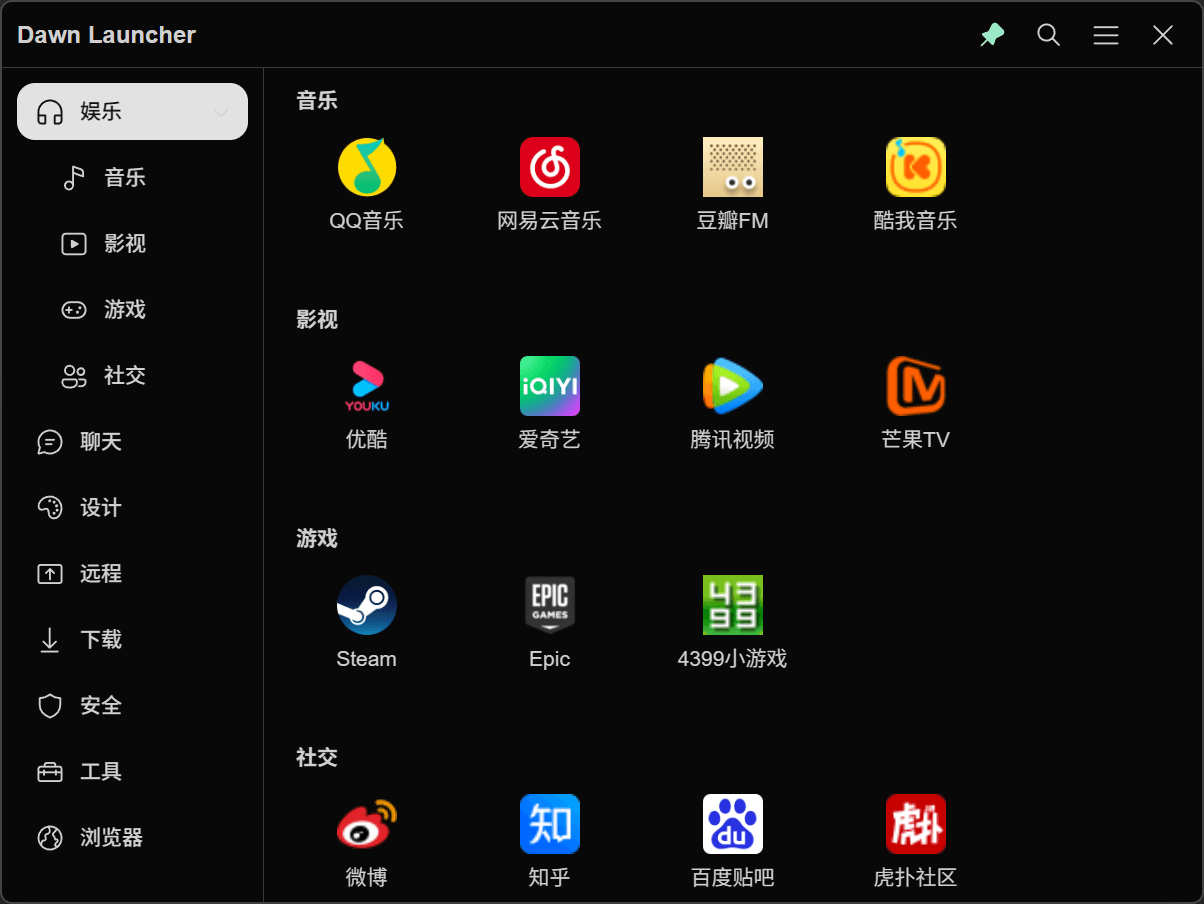
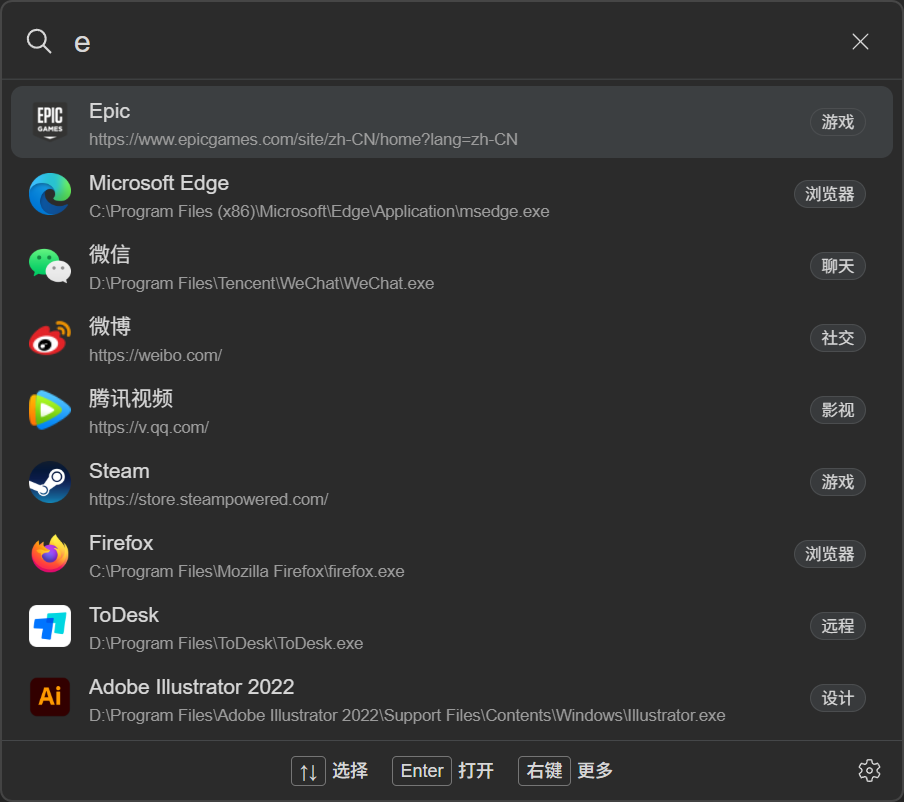
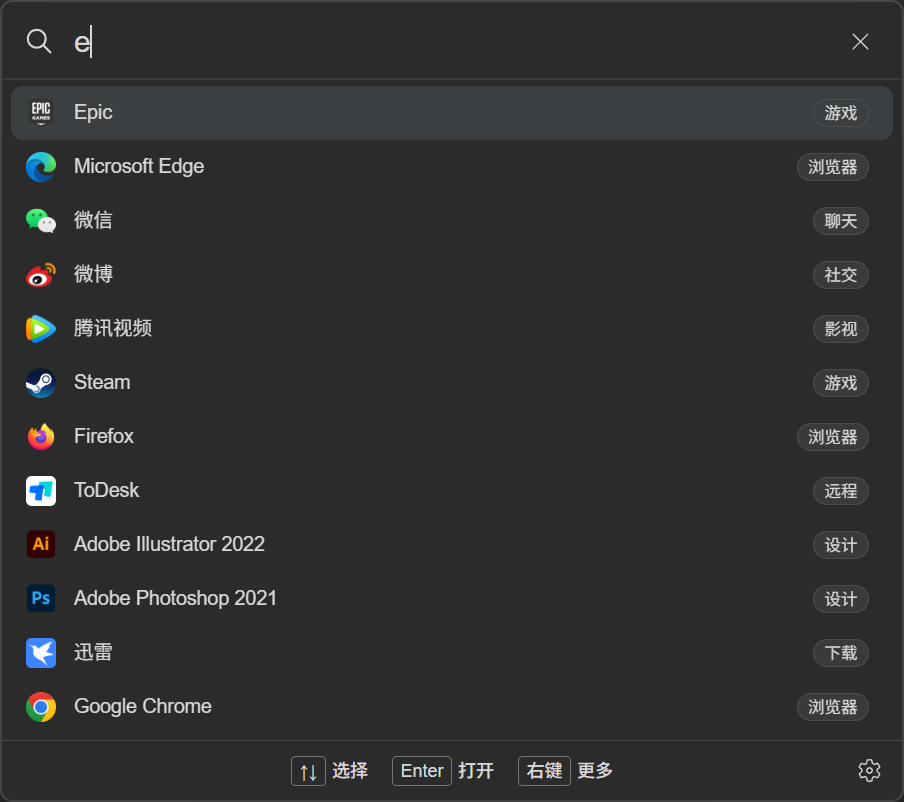
From adding items to searching and launching, every feature is designed to keep the number of steps low.
Automatically fill in the title and icon when adding a website.
File and folder items support relative paths. Keep their folder structure relative to Dawn unchanged when moving them.
Link a category to a local folder to keep files and subfolders in sync, with sorting and per-item hiding.
Adjust themes, backgrounds, corners, and interface details to suit your preferences.
Scan and add Start menu apps without finding each installation folder.
Add Microsoft Store Appx apps and organize them alongside other programs.
Jump from a search result to its place in the main interface.
Use images, emoji, online images, or SVG icons, and adjust font size and weight.
Open a group of apps, files, or websites with a single action.
Add frequently used items to Dawn Launcher, then find and open them whenever you need.
Drop in apps, files, and websites
Create categories that fit your habits
Search or click to open instantly
V3 is rebuilt with Tauri for a smaller footprint and faster startup and response.
Swipe sideways to compare every version →
| Comparison | 01V1 Free | 02 / PROV2 Pro | 03 / FREEV3 Free | 04 / PROV3 Pro |
|---|---|---|---|---|
| Technology | Electron | Electron | Tauri | Tauri |
| Performance | Classic and stable | Feature-rich | Faster startup and response | Fast response with the full feature set |
| App size | Standard Electron size | Standard Electron size | Smaller download and footprint | Smaller download and footprint |
| Price | Free | No longer sold | Free | ¥34 · One-time purchase |
| Current version | v1.5.2 | v2.2.3 | v3.1.1 | v3.0.8 |
| Maintenance | Updates paused | Updates paused · No longer sold | Current mainline · Updated | Current paid edition · Updated |
| Focus | Core organization and launching | More features and customization | Lightweight experience and new design | Advanced features and a professional experience |
All versions support Windows 10 or later · V3 is recommended